Sample No. 0262
LocalSend Makes Photo and File Transfers Between Devices Easier
Send photos, videos and documents between phones and computers over your local network with LocalSend, a free app that works across platforms.
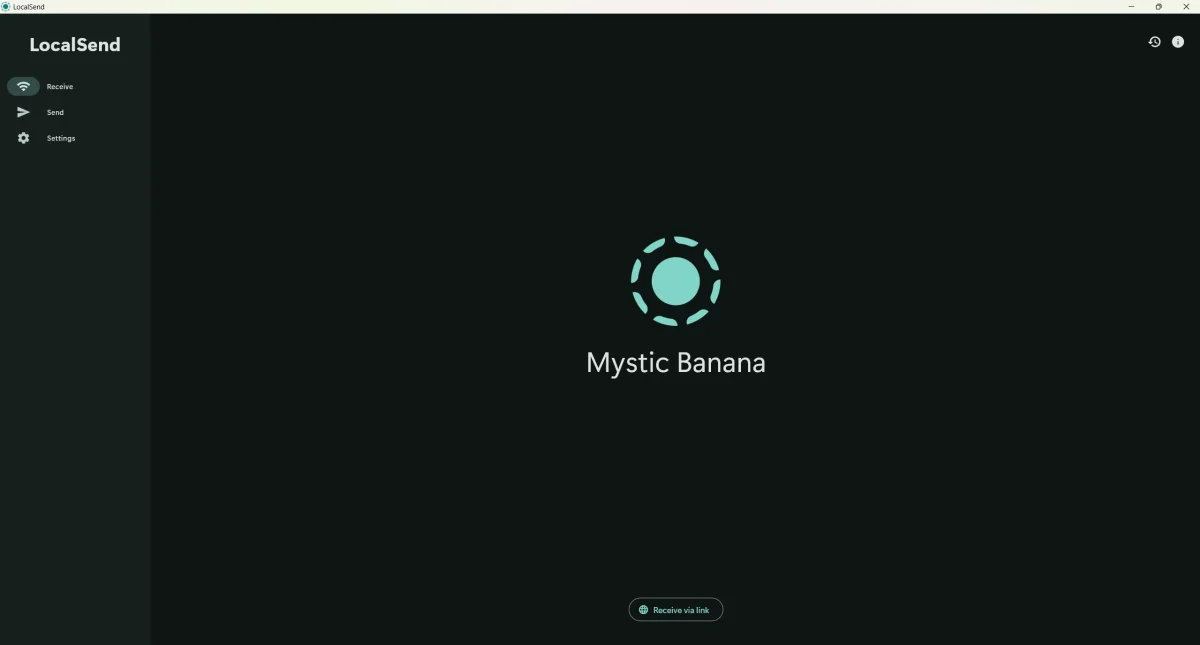
LocalSend offers a straightforward way to move photos, videos and other files between devices that don’t share an operating system. It works over your local network, so a transfer can go directly from an iPhone to a Windows computer, an Android phone to a Mac, or between other supported combinations. There’s no account to create, subscription to pay or cloud storage service involved.

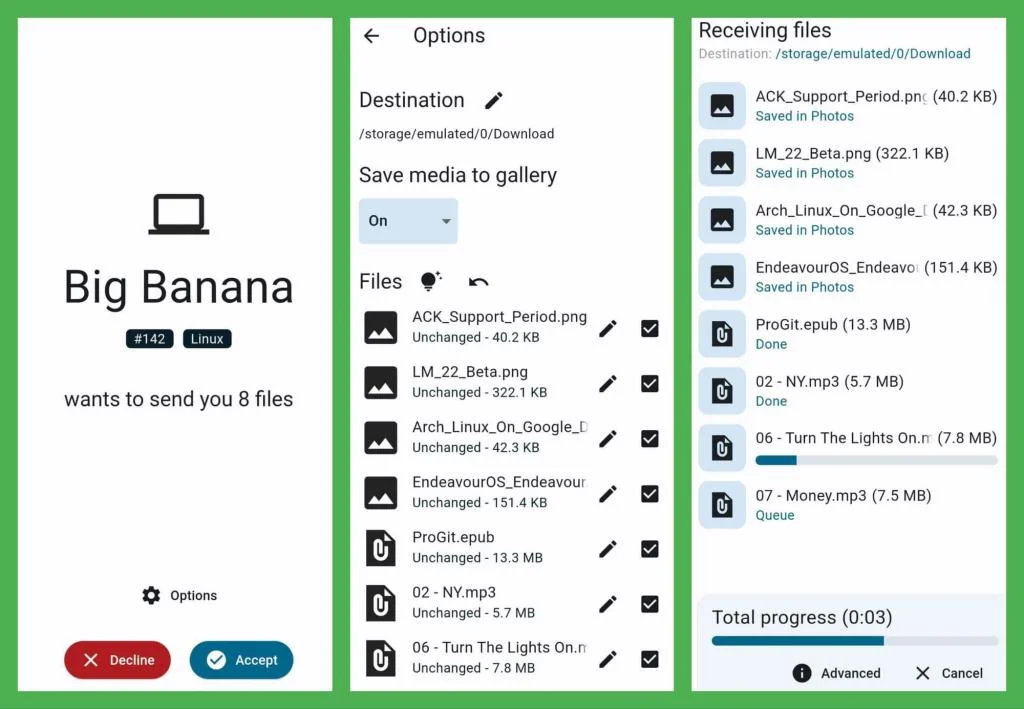
The app is free and open-source, and it works much like a cross-platform alternative to AirDrop. Devices with LocalSend installed can discover one another on the same network. Choose a recipient, select what to send and start the transfer; the receiving device then asks whether to accept the files.
Getting a transfer started
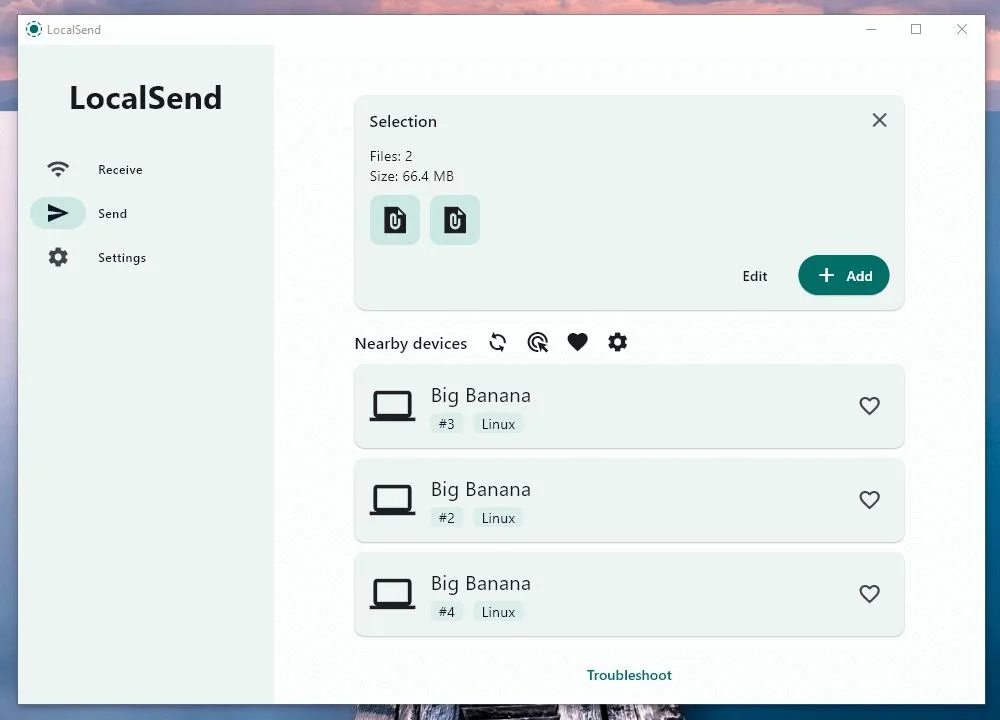
Both devices need LocalSend installed and open, and they need to share a working local network connection. For a typical phone-to-computer transfer, the process is simple:
- Install LocalSend on the phone and computer.
- Connect both devices to the same Wi-Fi network.
- Open LocalSend on each device.
- Select the photos or other files on the phone.
- Choose the computer from the list of available devices.
- Accept the incoming transfer on the computer.
The files then move directly across the network. A connection to the internet isn’t required. A Wi-Fi router can still connect devices locally even if its internet service is unavailable, and a suitable mobile hotspot can also provide a shared network.
Transfer speeds depend on the Wi-Fi connection and the devices. A faster network will generally move files more quickly, which can make a difference with large videos or a batch of photos.
Files and devices it supports
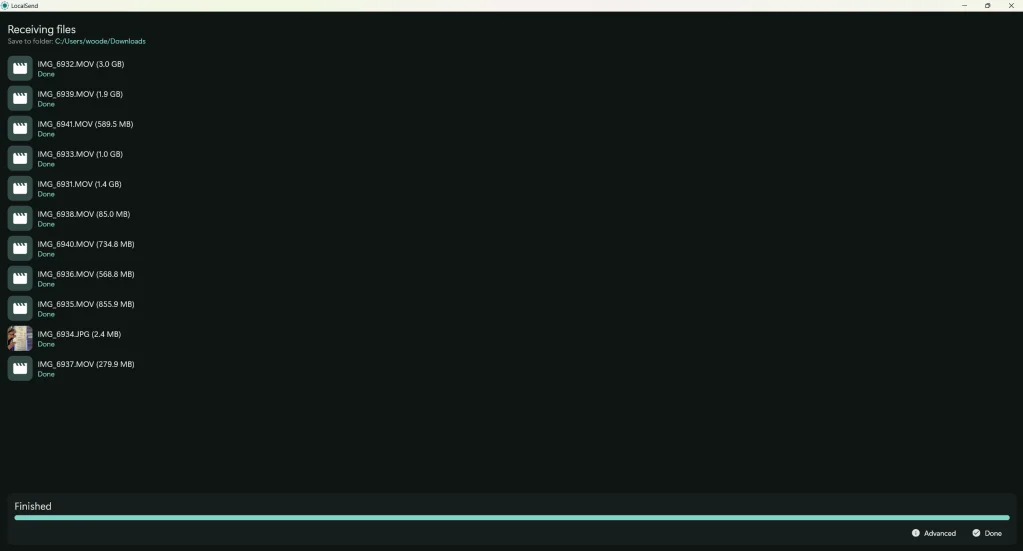
LocalSend isn’t limited to photos. It can transfer videos, audio, PDFs, word processing documents, spreadsheets, compressed archives and other general files. Text and messages can be sent too. Transfers work in either direction when both devices have the app.
That range is handy when email or messaging apps make a large file or a collection of images awkward to send. The same local network approach also means the devices don’t need to come from the same manufacturer.
On Android, LocalSend supports version 7.0 and later. Compatible phones can include models from Samsung Galaxy, Google Pixel, Motorola, Nokia, Oppo, Xiaomi and Sony Xperia; the Android version matters more than the brand. Android users can get the app through Google Play, F-Droid or an APK download.
For Apple devices, the app supports iPhones running iOS 13.0 or later and iPads running iPadOS 13 or later. Sharing directly from other apps through the iOS share sheet requires iOS 14 or later.
Desktop support includes Windows 10, macOS 11 Big Sur and supported Linux distributions. That makes combinations such as an iPhone and Linux computer, or an Android tablet and Mac, possible when both devices meet the requirements and share a network.
Privacy and network limits
LocalSend transfers files directly between the devices instead of uploading them to a third-party storage service. Communication is encrypted with HTTPS/TLS while files travel across the local network. The app’s source code is publicly available, and there are no accounts or subscription fees.
Those features don’t make every network equally suitable. Use a Wi-Fi network you trust, and accept files only from devices you recognise.
LocalSend is designed for nearby devices on a shared local network; it doesn’t send files to someone across the internet. Both devices must have the app installed and running so they can find each other. Some network settings can also block discovery. Guest Wi-Fi, access point isolation, firewall restrictions and certain VPN configurations may prevent devices from appearing. If a device doesn’t show up, check that both are on the same network and that its settings allow local devices to communicate.
Where to find the app
LocalSend is free and open-source. You can find it at localsend.org, through the relevant app stores, and on GitHub, where its source code and technical documentation are available:
https://github.com/localsend/localsend
For anyone who regularly moves photos or raw video from a phone to a computer, LocalSend is a practical option to try. Install it on both devices, connect them to the same local network, and keep the receiving device nearby to accept the transfer.