Sample No. 0224
xTool C1 Colour Cutter: Built-In Scanning, Printing and Cutting for Crafters
The xTool C1 combines scanning, full-colour printing and blade cutting. Here’s what its features, software, running costs and £449 launch price could mean for crafters.
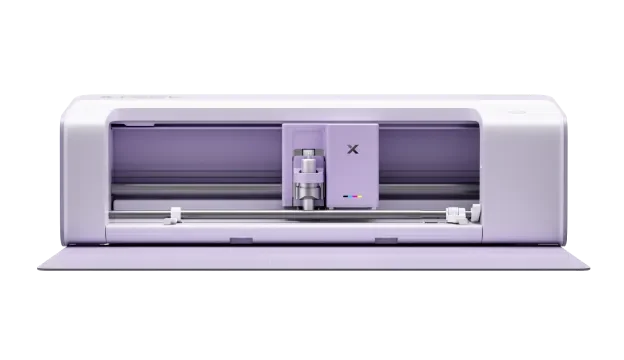
The xTool C1 Colour Cutter brings three jobs into one craft machine: scanning, full-colour printing and blade cutting. That combination could make printed stickers, labels and card embellishments easier to produce, especially if you don’t already have a printer and cutter. How well it handles everyday materials, though, is still an open question: the machine has not been independently tested.

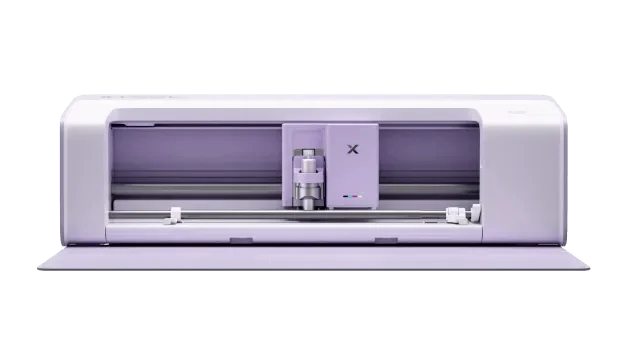
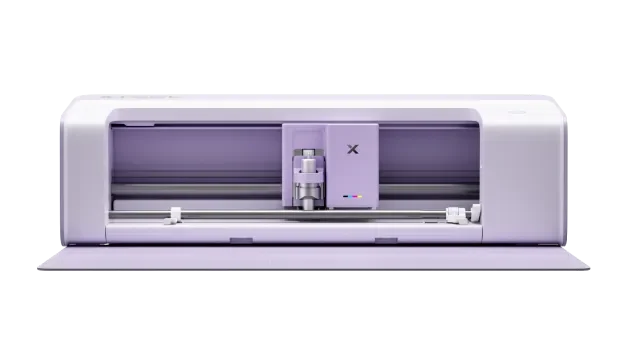
The xTool C1 Colour Cutter. Image courtesy of xTool.
One machine for printed projects
xTool is known for its laser cutting and engraving machines. With the C1, the company is entering the electronic craft cutter market. Its headline idea is to combine a scanner, a CMYK inkjet printer and a blade cutter in one system.
That could shorten the usual print-and-cut sequence. A maker might design an image on a computer, print it on a separate printer, move the sheet to a cutting machine, then line up the cuts. xTool says the C1 can scan artwork, show it on screen, print a design and cut it out without needing a separate printer.
For cardmakers, sticker makers and anyone creating labels or personalised gifts, fewer machine changes may make a difference. The company also says its print-and-cut workflow can work without registration marks. If that performs as described, more of a sheet could be available for the design itself.
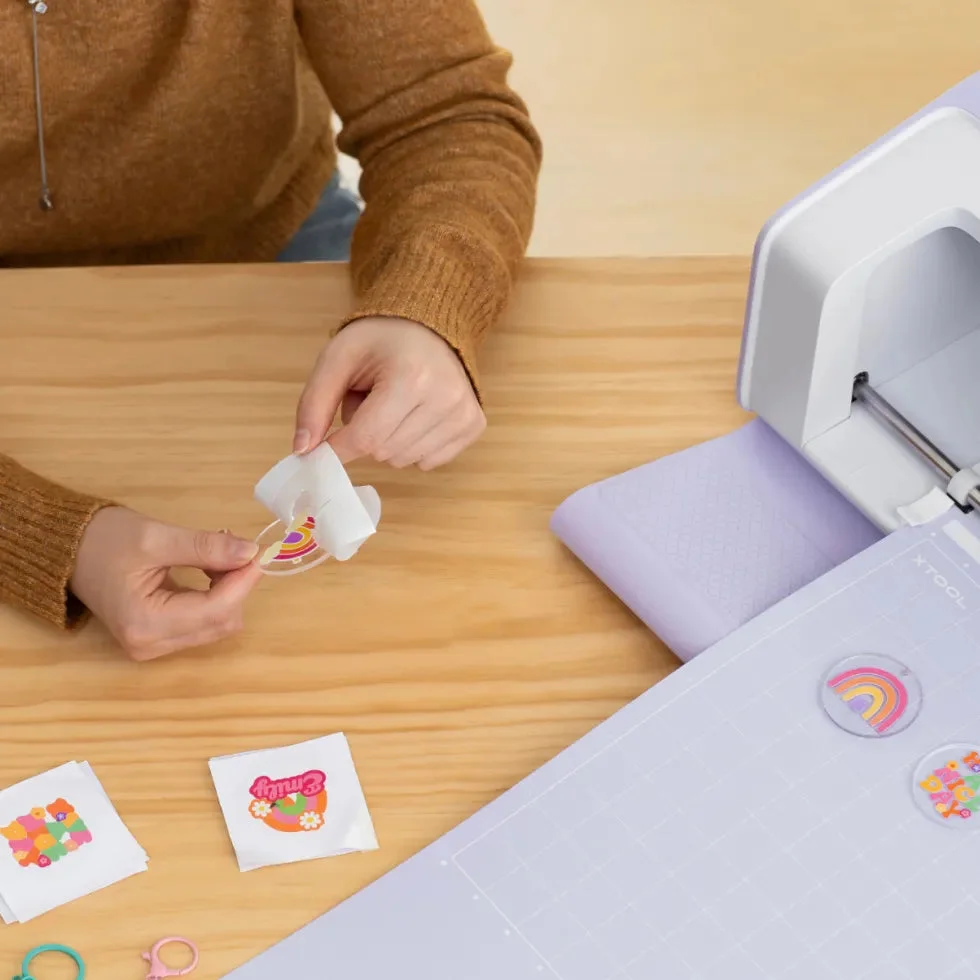
The printer uses xTool’s proprietary waterproof ink. The company claims it can produce wash-resistant results on suitable apparel materials. That claim needs practical checking, including how the prints hold up on different fabrics and after repeated washing. The source information doesn’t provide test results.
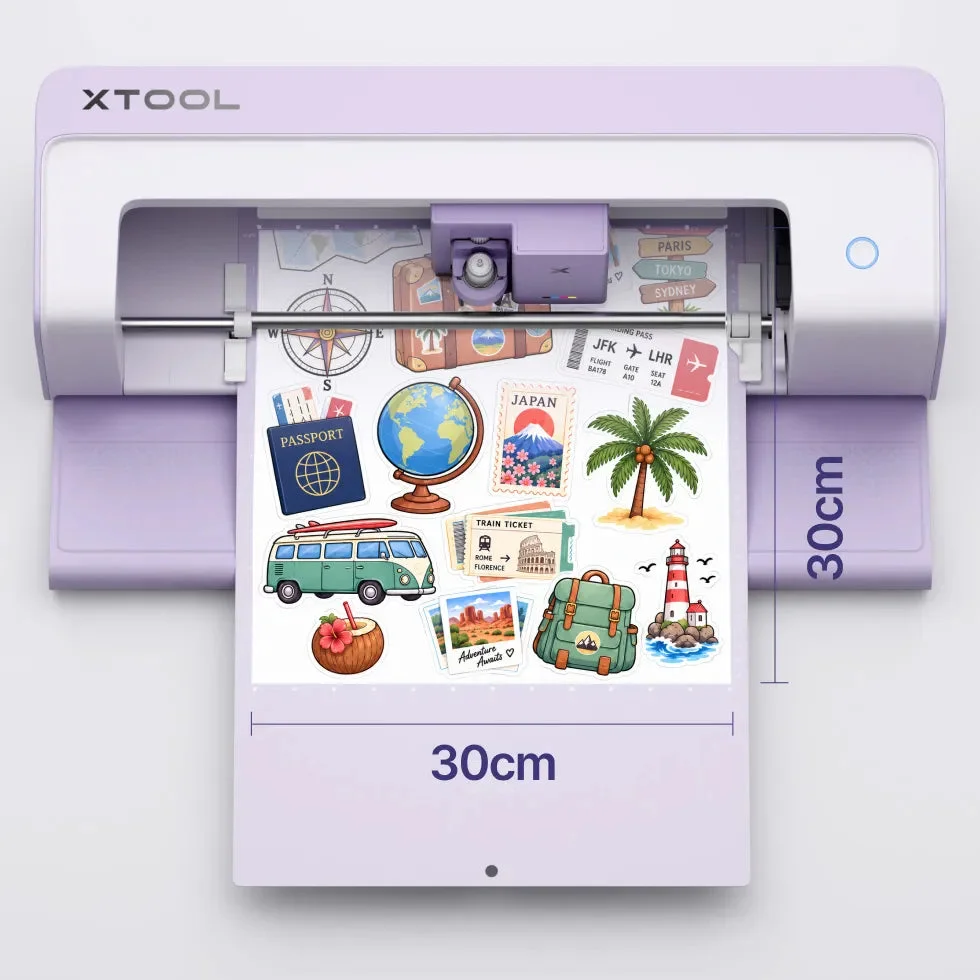
The xTool C1 shown with a sheet of printed designs. Image courtesy of xTool.
Scanning and contour cutting
The built-in scanner will sound familiar to Brother ScanNCut owners. Brother’s scanner has long been a defining feature of that machine family: makers can scan a stamped image, drawing or patterned paper, then position a cut around the artwork.
The C1 appears to offer a related workflow. xTool says users can scan materials and view the scan on screen before placing cutting designs. An automatic contour function is intended to cut around existing artwork, which could suit hand-coloured images, stamped motifs and original illustrations.
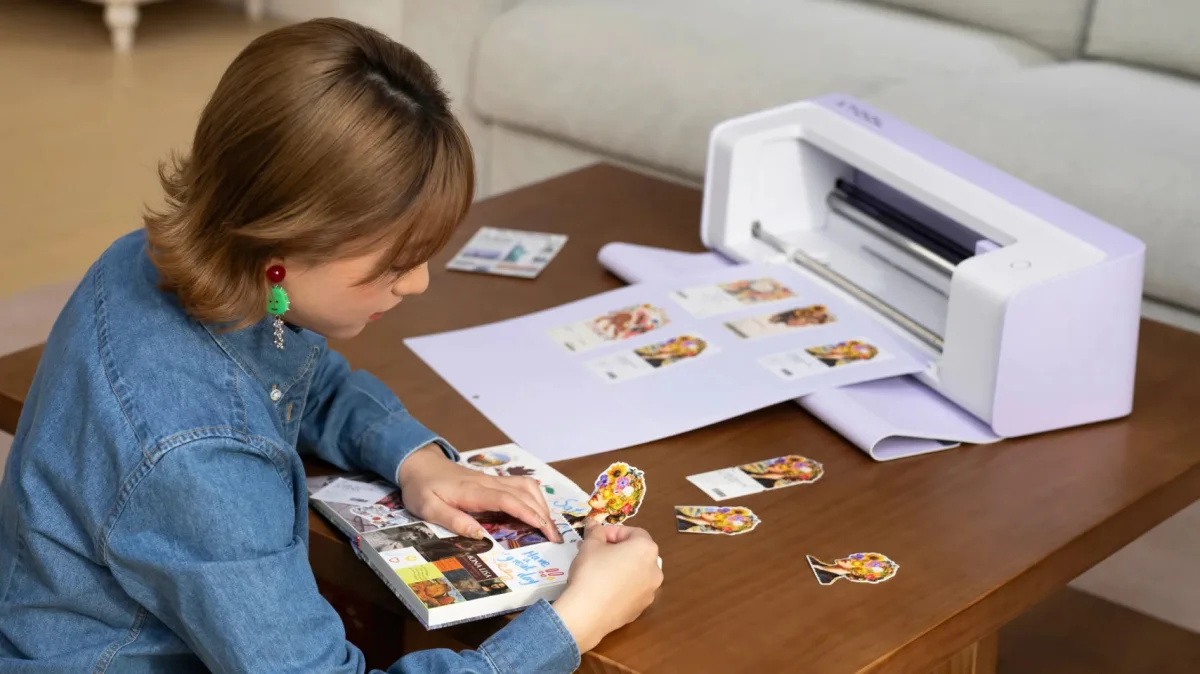
xTool demonstrates contour cutting around printed illustrations. Image courtesy of xTool.
Those are useful possibilities, but a polished demonstration can’t show every challenge that comes up on a real craft table. Scan accuracy, alignment and the quality of the cut around detailed or irregular artwork are all worth assessing in practice.
What it may offer papercrafters
The C1 is presented as more than a tool for printed stickers. xTool lists fine-point, deep-point and other specialist blades, along with drawing and foil-transfer options. The company also describes a scoring function for fold lines. That could be useful for card blanks, boxes and other projects that need clean folds.
Materials listed by xTool include paper, cardstock, vinyl, fabric, leather and some thin wooden materials. Some materials may need special preparation or accessories, so compatibility on a list doesn’t necessarily mean each one is ready to cut straight away.

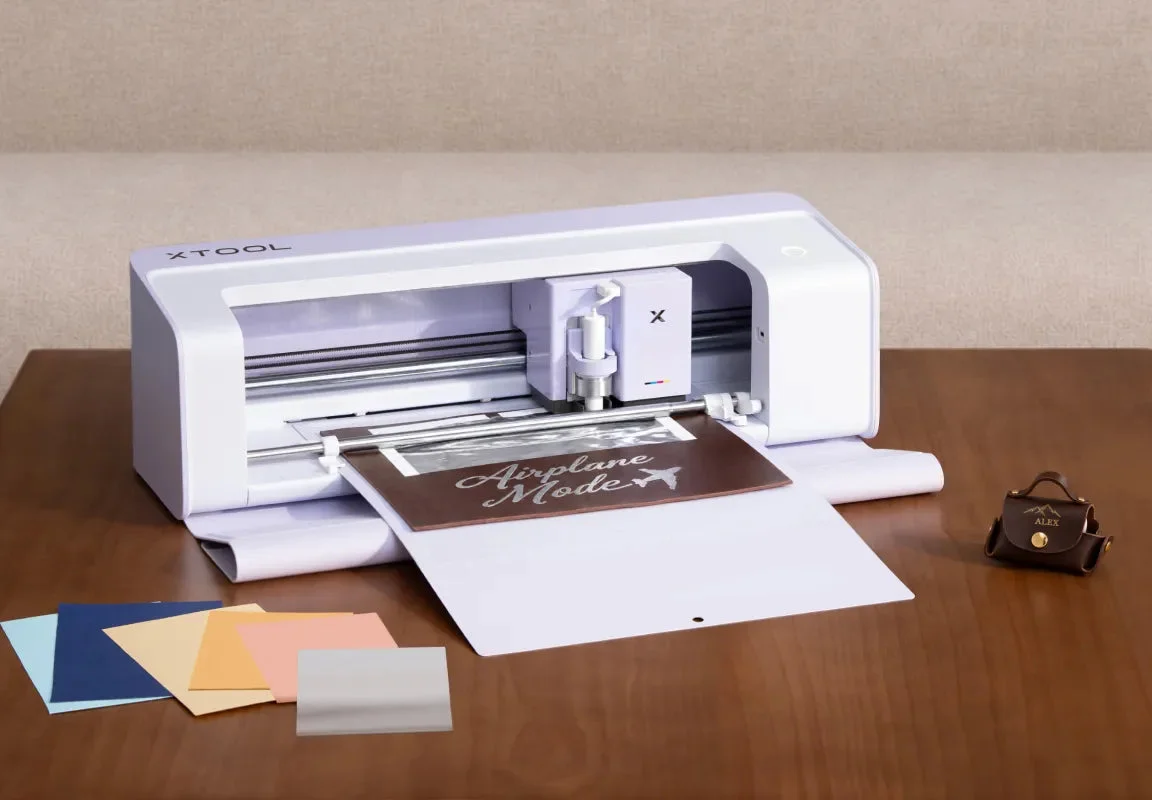
Foil-transfer work shown with the optional hot foil-transfer tip set. Image courtesy of xTool.
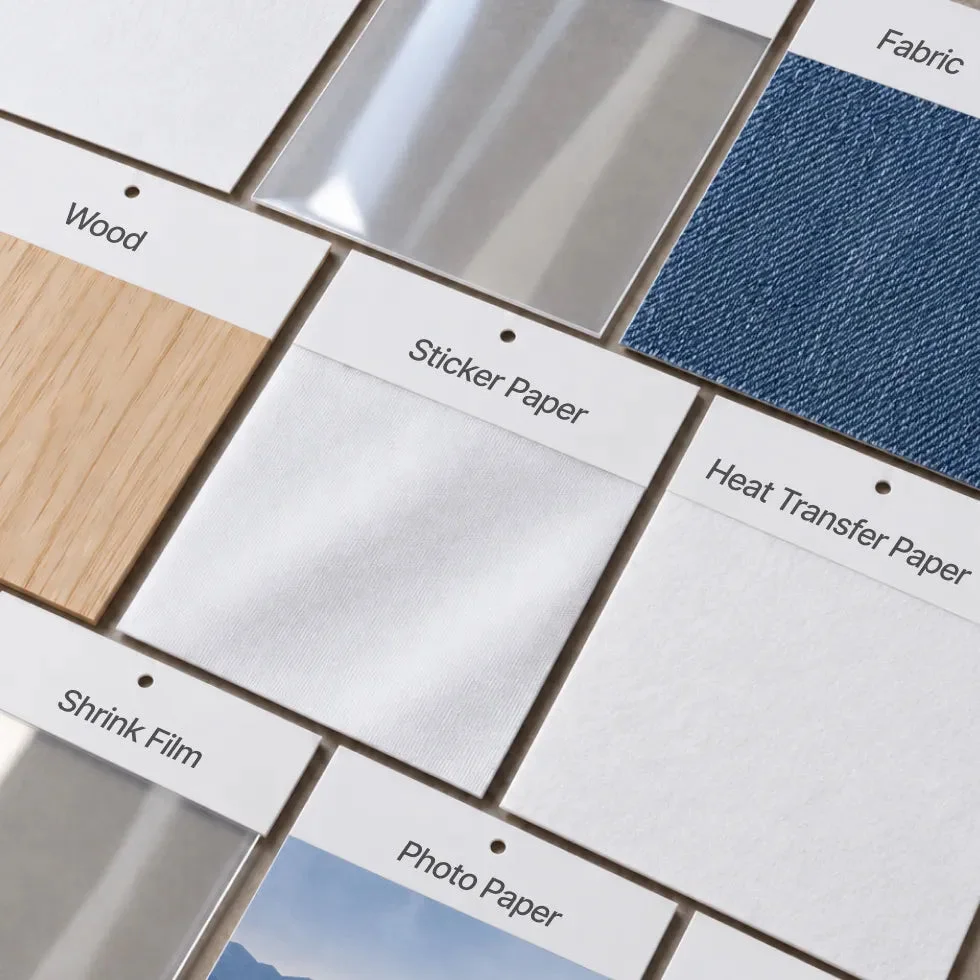
xTool lists a range of creative materials; some call for special preparation or accessories. Image courtesy of xTool.
For papercraft, specifications only tell part of the story. Makers will want to see how the machine handles 300gsm cardstock, intricate shapes, textured or pearlescent card, repeated cuts and scoring. Clean results on those materials could matter more than a long list of supported tools.
How it compares with the ScanNCut DX
The C1 could compete with Brother’s ScanNCut, but its strongest appeal may be the integrated printer rather than scanning alone. The ScanNCut DX is a standalone machine: its touchscreen lets users scan, edit and cut without a computer beside it. It also offers automatic blade adjustment and established functions for cutting, drawing and fabric work.
The C1’s pitch is a connected process for scanning, printing and cutting. That may suit crafters who regularly make printed projects. If you already own a ScanNCut and a reliable colour printer, though, combining those functions may offer less benefit. If you’re choosing a first electronic cutter and expect to print stickers, labels or embellishments, having the printer built in could be more compelling.
Neither set of listed features answers the practical question of which machine is easier for your projects. The C1 needs to prove its cutting precision, reliability and material handling in regular use.

Software and ongoing costs
Software can shape the whole experience, so it deserves a close look. xTool is promoting the C1 alongside its design software and the Atomm creative platform, which includes project files and design-generation features. That may appeal to makers who prefer computer-based design.
Before choosing the machine, it would be useful to find out which functions work without an internet connection, whether any useful features require a subscription, and how readily it accepts designs made elsewhere. SVG compatibility and the amount of control available over cutting and scoring are also practical questions. A capable cutter is easier to use when your own designs can move into its software without a complicated process.
The printer adds ink cartridges to the usual supply list. Replacement prices, the number of projects one cartridge can produce and how the printer behaves after a stretch without use are all still questions for prospective owners. Blade and mat costs matter too.
xTool says the C1 can use third-party 12-inch cutting mats for printing and cutting, but scanning isn’t supported with those mats. That may affect how useful the option is for someone hoping to reduce supply costs. The purchase price is only one part of owning a machine that uses ink, blades, mats and other accessories.
Launch price and availability
At the time of the source information, xTool’s UK launch page listed the basic C1 package at £449. Reservations opened on 20 October 2026, with a £10 deposit. xTool advertised early reservation benefits, including an introductory materials package and a discount voucher for a future materials purchase.
The page indicated that UK shipping was expected to begin towards the end of November. Several packages were planned, including one with access to the Atomm membership service. Bundle contents, prices, offers and availability can change, so check the current details before ordering.
See the xTool C1 UK launch page.
What to watch before choosing
The C1 looks most interesting for people who want to create printed and precisely cut designs without moving work between separate machines. That is a distinct benefit, particularly for colourful embellishments, stickers and labels.
For a ScanNCut owner, the decision may come down to how often built-in printing would be used, and whether standalone touchscreen operation is a priority. For a first-time buyer, the integrated workflow could be attractive, but the software, cartridge costs and handling of familiar craft materials still need a closer look.
The source information is based on xTool material published on 20 October 2026 and Brother’s published ScanNCut DX specifications. The C1 has not been personally tested, so its real-world performance remains unassessed. xTool photographs are promotional images sourced from its UK site.
For now, the useful question is whether printing, scanning and cutting together fits the projects you already make. A hands-on assessment of cut quality, scoring, software and supply costs will show whether the C1’s combined workflow earns a place in the craft room.
Further information: